

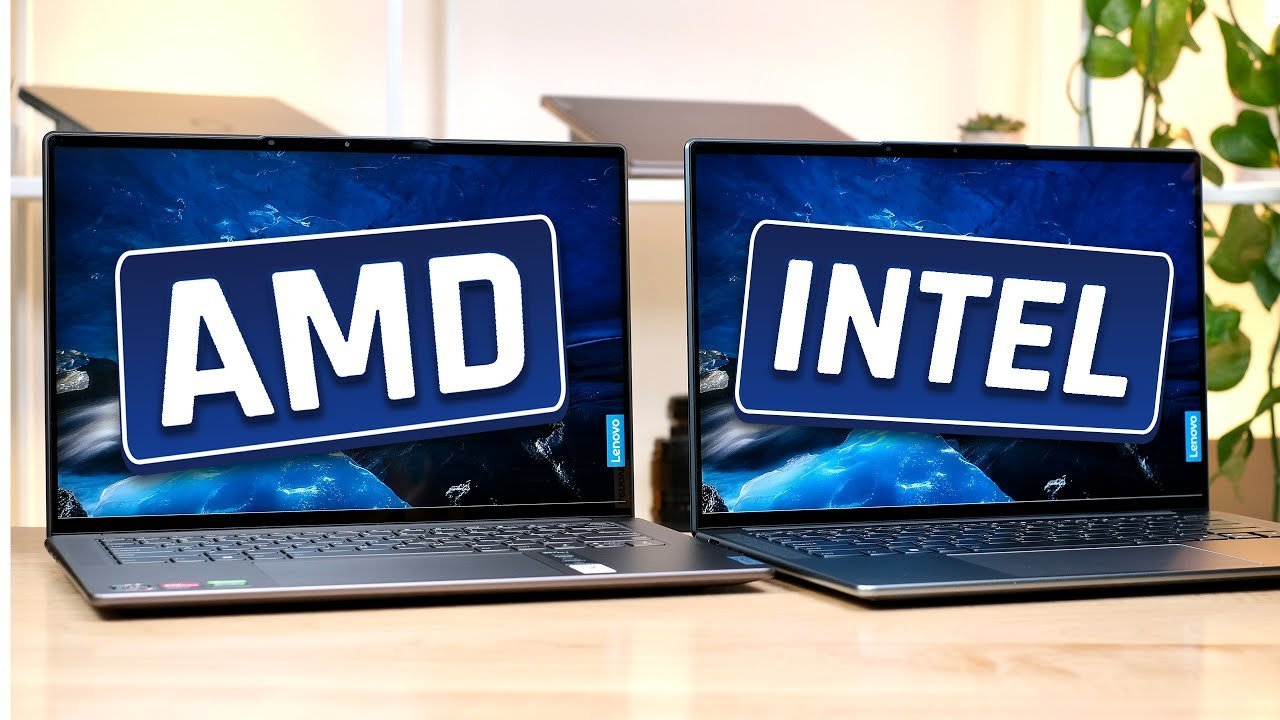
Buying a laptop used to involve a simple question: Intel or AMD? That has changed significantly. Qualcomm’s Snapdragon processors have carved out a major space in Windows laptops, while Intel and AMD continue to push newer architectures focused on power, graphics, and on-device AI features.
The processor you choose heavily impacts battery life, app compatibility, thermal management, and gaming performance. To make the right choice, start with how you actually plan to use your device. Here is a comprehensive breakdown of how Snapdragon, Intel, and AMD compare.
1. Snapdragon: Built Around Efficiency and Battery Life
Snapdragon laptops utilize Arm-based processors, making them fundamentally different from the traditional x86 chips offered by Intel and AMD.
Qualcomm’s current Snapdragon X family features high core counts and powerful Neural Processing Units (NPUs) built for Copilot+ PC experiences. The primary advantage here is exceptional power efficiency, which translates directly into thin, lightweight chassis designs and multi-day battery life.
-
Software Compatibility: Windows on Arm runs x86 and x64 applications through Microsoft’s Prism emulation layer. While native Arm versions deliver superior speed and efficiency, everyday productivity apps run smoothly. However, if you rely on specialized legacy software, niche plugins, or hardware requiring custom drivers, always verify compatibility first.
-
Best Suited For: Students, office workers, frequent travelers, and anyone who prioritizes portability and all-day battery life over heavy local processing.
2. Intel: The Familiar All-Rounder
Intel remains the most straightforward choice for buyers who want a reliable Windows laptop without overthinking processor architecture.
Intel’s modern Core Ultra processors cover an expansive spectrum—from ultra-thin notebooks to high-performance creator and gaming rigs. The newer Core Ultra platforms seamlessly bundle CPU performance, integrated Arc graphics, and capable NPUs for AI workflows.
-
Software Compatibility: Built on traditional x86 architecture, Intel chips avoid emulation layers altogether, guaranteeing broad, out-of-the-box compatibility with older programs, professional suites, and specialized tools.
-
Best Suited For: Business professionals, students needing versatile machines, and users with older or specialized software who want a safe, balanced computing experience.
3. AMD: A Strong Option for Performance and Graphics
AMD’s Ryzen and Ryzen AI processors excel for users who demand robust multi-core muscle and capable integrated graphics without necessarily jumping to a bulky desktop replacement.
For gaming and creative workflows, AMD’s architecture delivers strong computational efficiency. While dedicated GPUs are still mandatory for high-end gaming, AMD’s integrated Radeon graphics punch well above average for lighter titles and multimedia editing.
-
Performance Focus: AMD laptops scale wonderfully across different price points, making them popular for mid-range to high-end performance notebooks.
-
Best Suited For: Gamers, content creators, data analysts, and users running demanding multi-threaded applications.
Quick Comparison at a Glance
| Feature | Snapdragon | Intel | AMD |
| Architecture | Arm | x86 | x86 |
| Primary Strength | Efficiency & battery life | Versatility & compatibility | Raw performance & graphics |
| Gaming | Casual & cloud gaming | Strong (with dedicated GPU) | Strong (with dedicated GPU) |
| App Compatibility | Check specialized software | Broad Windows compatibility | Broad Windows compatibility |
| Best Suited For | Portable productivity | All-round daily use | Performance & gaming |
What About Gaming and Creative Work?
-
For Gaming: Do not judge a gaming laptop by its processor brand alone. A dedicated GPU (from NVIDIA or AMD), the cooling solution, and display refresh rates matter far more. For serious AAA gaming, Intel and AMD paired with a dedicated GPU remain the standard. Snapdragon is best reserved for cloud gaming and casual titles.
-
For Creative Work: Photo and video editing workflows rely heavily on high RAM, a fast CPU, and a powerful GPU. While AMD and Intel dominate this space via dedicated graphics options, newer creative apps with native Arm support run increasingly well on Snapdragon.
Final Verdict
There is no single processor family that rules every use case. Choose Snapdragon if your workflow is browser- and productivity-heavy and you value extreme battery longevity. Choose Intel for seamless software compatibility and an endless variety of form factors. Choose AMD if you need strong multi-core muscle, better integrated graphics, or a balanced gaming machine.
Always evaluate the complete laptop configuration—including RAM, storage, display, and cooling—rather than relying on the processor badge alone.
