

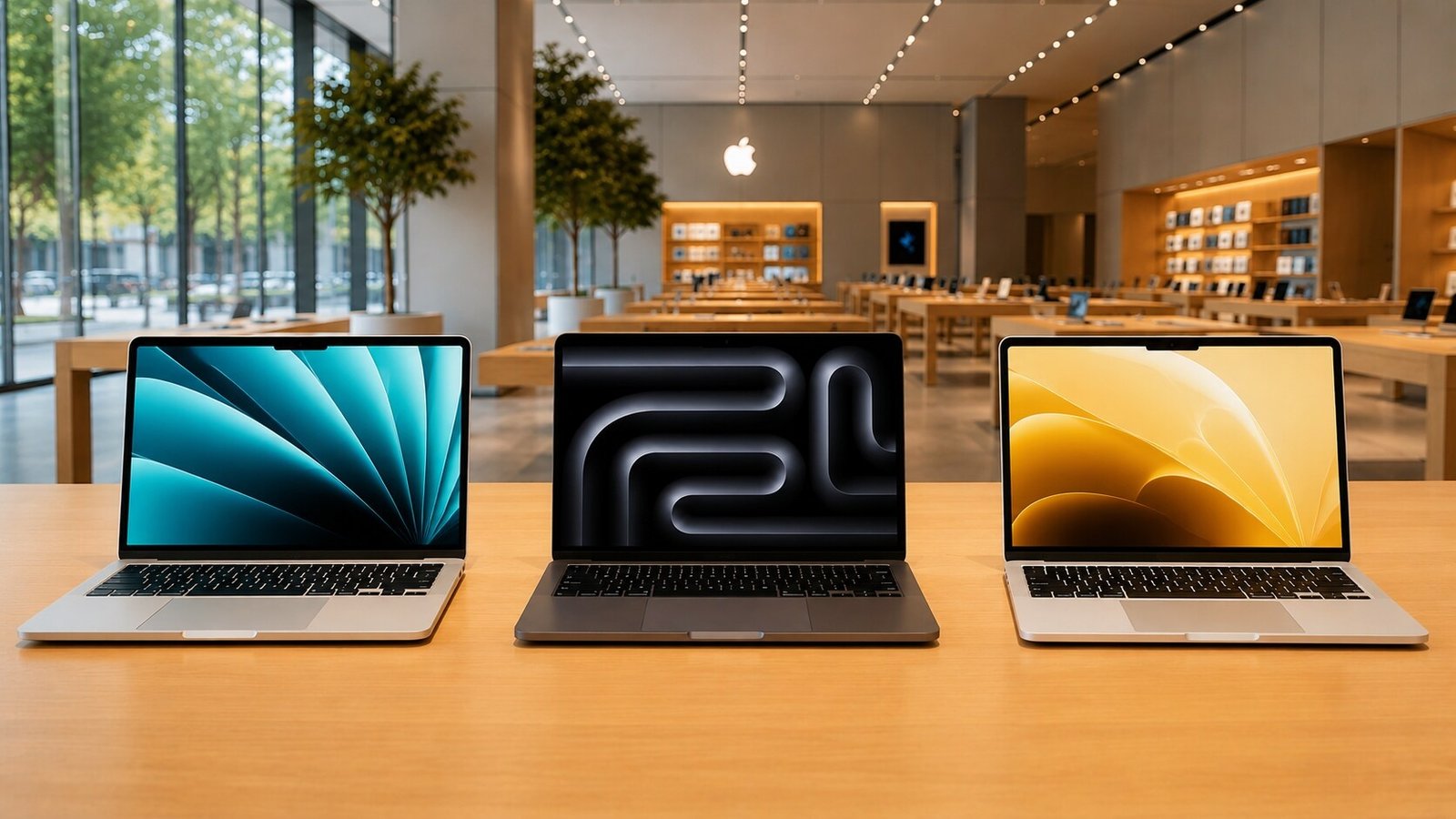
Selecting a MacBook has grown slightly more complex with Apple’s recent introduction of the MacBook Neo—the company’s most affordable laptop to date. Unlike its siblings, the Neo takes an unprecedented approach by utilizing a smartphone processor rather than a standard desktop chip.
While its entry price is incredibly enticing, saving money upfront could result in a bottlenecked workflow if you choose a model that can’t scale to your needs. This guide breaks down Apple’s core laptop tiers to help you map the right hardware to your daily routine.
1. MacBook Neo: The Budget Revolution for Students & Casual Users
The MacBook Neo is a historic shift for Apple, pairing an ultra-lightweight 13-inch chassis with the A18 Pro chip (the binned processor family originally built for the iPhone 16 Pro). Positioned firmly below the MacBook Air, it marks the cheapest starting price for a brand-new Mac laptop.
-
Who it is for: School and college students, casual web browsers, and budget-conscious first-time Mac buyers.
-
Why it works: It handles standard productivity tasks—like multitasking between Safari tabs, working on Microsoft Office documents, streaming 4K video, or taking notes—with total ease. Because it runs on a highly efficient smartphone chip, the laptop is completely fanless and silent while delivering up to 16 hours of video playback.
-
Hardware Gotchas: It is strictly capped at 8GB of unified memory with no option to upgrade. Additionally, to keep costs low, the base 256GB model lacks a backlit keyboard and Touch ID (Touch ID is exclusive to the 512GB configuration). One of its two USB-C ports is also limited to slow USB 2.0 speeds.
-
Pricing (India): Starts at ₹69,900 (₹59,900 for eligible education buyers).
2. MacBook Air: The Balanced Sweet Spot for Professionals
For corporate workers, remote teams, and general business multi-taskers, the MacBook Air hits the absolute sweet spot. Powered by standard M-series desktop architecture (such as the M3 or M5 series), the Air offers a massive leap in processing headroom over the Neo.
-
Who it is for: Corporate professionals, digital marketers, consultants, writers, and developers tackling modest software projects.
-
Why it works: It handles heavy spreadsheets, back-to-back video calls, and deeply layered browser workloads without a hitch. It is remarkably slim, comes in 13-inch and 15-inch display options, boasts an upgraded 1080p FaceTime camera, and easily achieves an entire day of battery life without needing a power brick.
-
Recommendation: If you regularly juggle dozen-app workflows, look for configurations with at least 16GB or 24GB of unified memory to ensure seamless long-term multitasking.
-
Pricing (India): Standard 15-inch M3 configurations hover between ₹1,48,000 and ₹1,68,000 depending on storage and RAM configurations.
3. MacBook Pro: The Workhorse for Creative Power Users
Content creation is the main arena where buying a premium MacBook Pro goes from a luxury to a business necessity.
-
Who it is for: Professional video editors, 3D modelers, audio engineers, colorists, and AI software developers.
-
Why it works: Intensive tasks like rendering 4K/8K timelines in Final Cut Pro, processing bulk layers in Adobe After Effects, or sculpting in Blender place heavy, sustained pressure on both the CPU and GPU. The Pro series features an active cooling system (fans) that allows high-end desktop chips like the M5 Pro to maintain peak performance without thermal throttling.
-
Key Upgrade: It boasts a stunning Liquid Retina XDR display with exceptional peak brightness and color accuracy, ideal for creative work where visual precision dictates your income.
Quick Selection Matrix
| User Profile | Recommended Model | Primary Value Proposition |
| Students & Casual Browsers | MacBook Neo | Maximum affordability, fun color variants, excellent basic battery life, completely silent fanless design. |
| Office Professionals & Travelers | MacBook Air | Ideal blend of extreme portability, robust multitasking, larger display options, and consistent performance. |
| Creators, Editors, & Designers | MacBook Pro | Heavy-duty graphical capabilities, active thermal management, and pro-grade XDR color accuracy. |
Buying the most expensive hardware isn’t the goal—buying the machine that maps perfectly to your daily routine is what saves you both money and frustration.
