

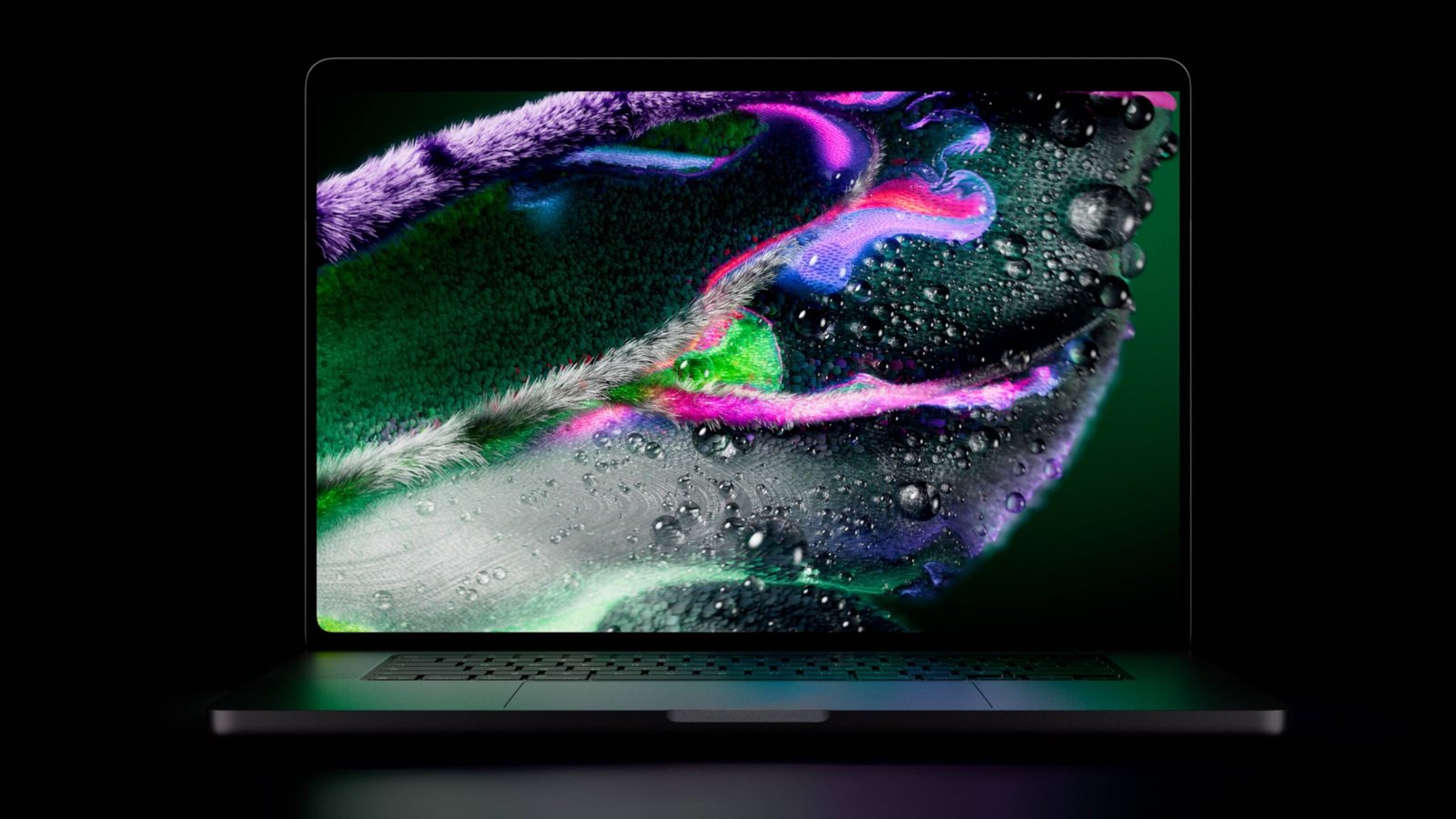
Getting fingerprints on a brand-new MacBook display intentionally feels unnatural. Yet, flicking a finger to scroll through web pages, zooming into photos with a quick pinch, and tapping headlines directly on screen brings an undeniable iPhone-like familiarity to macOS.
Apple’s long-resisted step into touch-enabled laptops arrives in the form of a premium MacBook Pro with PROLED XDR Display, starting at $2,899 (roughly $900 more than the base MacBook Pro line). The device marks a major technical milestone, but its steep price and specific form factor raise an essential question: Who is this laptop actually for?
1. Defying Steve Jobs: Why Touch Screen Works Now
In 2010, Steve Jobs famously dismissed touch-screen MacBooks, stating that extended vertical screen usage causes arm fatigue (“gorilla arm”). So what changed?
-
Visual & Interactive Workflows: Modern applications are far more visual. Dragging a video editor’s timeline or panning across 3D models and maps feels vastly more fluid with direct touch than holding down a trackpad click while swiping.
-
No Cursor Hunting: Direct touch eliminates the need to locate your cursor during complex creative tasks, offering immediate tactile control.
-
Stiff Hinge Engineering: The display hinge has been significantly stiffened to stay firm under aggressive prodding, avoiding the screen wobble common on competitor laptops.
2. Practical Limitations & Ergonomic Reality
Despite macOS enhancements—such as swiping up for the Dock, long-pressing folders, and window-snapping gestures—touch control isn’t ideal for every daily task:
-
Small UI Targets: Standard macOS elements remain tight, making precision tapping tiring over long sessions.
-
No Apple Pencil Support: Surprisingly, the laptop does not support Apple Pencil. Apple maintains that stylus optimization belongs strictly on iPadOS.
-
Non-Folding Form Factor: Because the screen does not fold flat or flip into a tablet, actions like playing virtual instruments on-screen feel awkward.
3. Beyond Touch: Key Hardware Upgrades
While touch is the headline feature, the real draw for power users lies in the underlying hardware:
| Feature | Details & Specifications |
| PROLED XDR Display | Tandem OLED panel offering deep contrast, 2,000 nits peak brightness, and 120Hz ProMotion. |
| Dynamic Island | Integrated into the top display cutout for real-time app shortcuts and notifications. |
| Classic Aesthetic | Features the iconic glowing Apple logo on the back casing. |
| Sleeker Chassis | Half a millimeter thinner and half a pound lighter than standard mini-LED Pro models. |
4. Who Is It For?
At $2,899+, touch functionality remains a luxury add-on rather than a mass-market necessity. Analysts note that while touch-screen Windows notebooks accounted for over 33 million shipments in 2025, laptop buyers rarely pay high premiums strictly for touch capabilities.
Target Audience:
-
Creative Professionals: Photo editors, videographers, and digital artists benefiting from direct timeline scrubbing and canvas interaction.
-
App Developers: Engineers who need to test touch interactions directly on macOS when building iOS and iPadOS applications.
-
Early Adopting Power Users: Users seeking top-tier OLED display technology alongside maximum performance.
Other Recent Apple Releases
Apple also refreshed its entry-level hardware lineup:
-
14-inch MacBook Pro (M6 Chip): Refreshed performance for entry-level pro users.
-
iMac (M6 Refreshed): Desktop performance upgrade with vibrant colorways.
-
iPad Mini OLED: Features a bright tandem OLED screen, starting at $699.
If you are exploring creative laptops or evaluating performance across different setups, let me know if you would like a detailed comparison between the new MacBook Pro line and alternative workstations!
