

Touchscreen laptops have evolved from niche luxury items into essential tools for modern productivity. Whether you are a student jotting down digital notes, a professional designing presentations, or a casual user browsing the web, the ability to interact directly with your screen makes the experience more intuitive and natural.
The best models today blend high-performance internals with flexible designs, such as 2-in-1 convertibles that transition seamlessly between laptop and tablet modes.
Top Recommendations at a Glance
| Product | Key Highlight | Best For |
| Samsung Galaxy Book6 | 16″ WUXGA+, 24-hr Battery | Power Users & Creatives |
| Microsoft Surface Pro 12″ | Snapdragon X Plus, Ultra-Portable | Students & Travelers |
| HP OmniBook X Flip | 3K OLED, 1TB SSD, Wi-Fi 7 | Premium AI Experience |
| Lenovo IdeaPad 5 | 2-in-1, WUXGA IPS, Pen Support | Balancing Value & Utility |
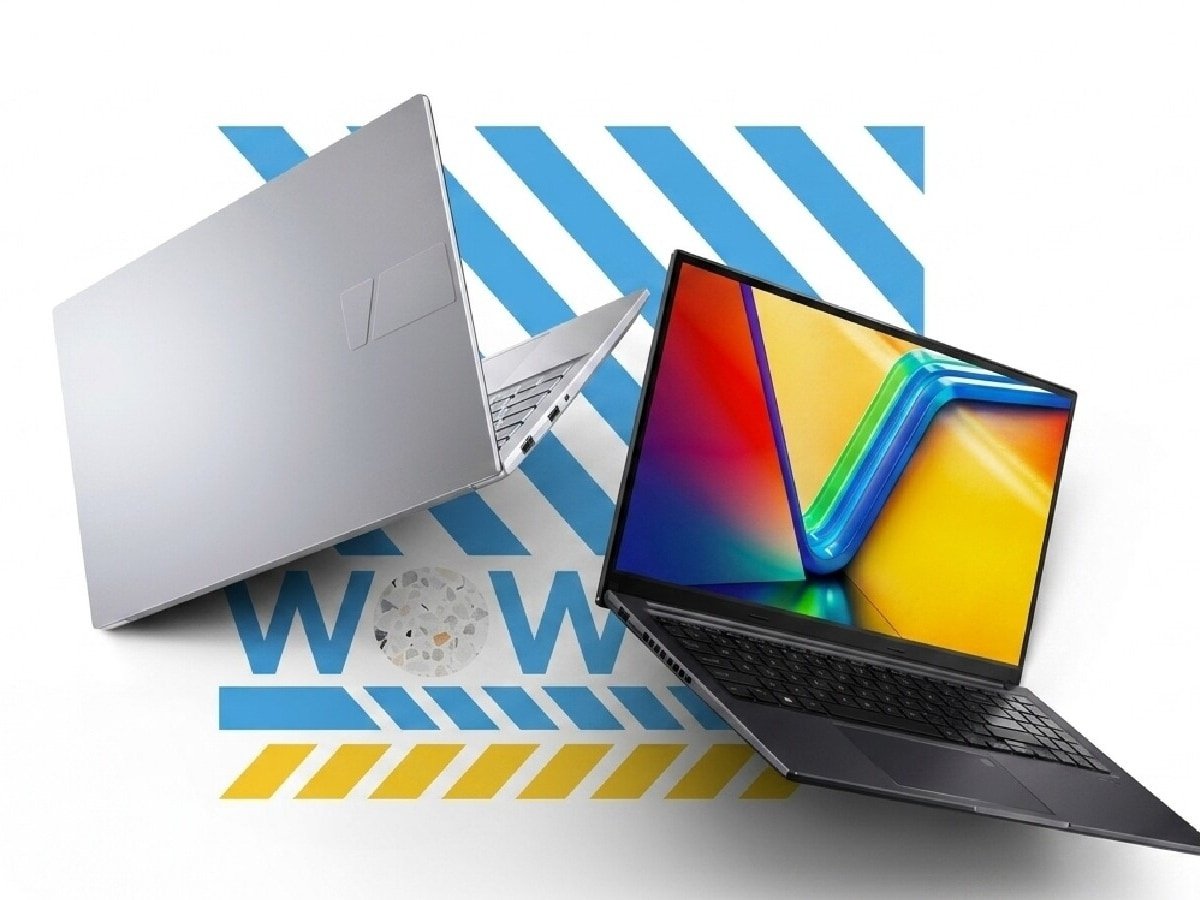
| ASUS Vivobook 15 | 13th Gen i3, 16GB RAM | Budget-Friendly Study |
Detailed Product Breakdown
1. Samsung Galaxy Book6 (Premium Powerhouse)
This is a top-tier choice for those who refuse to compromise. Featuring the Intel Core Ultra 7 (Series 3), it is designed for heavy multitasking and AI-driven workflows.
-
Pros: Stunning 120Hz display, incredible 24-hour battery life, and S Pen support.
-
Cons: Speakers are considered average for this price point.
2. Microsoft New Surface Pro 12″ (The Portability King)
The Surface Pro remains the gold standard for 2-in-1 versatility. Powered by the Snapdragon X Plus, it offers a lightweight magnesium build and a high-refresh PixelSense screen.
-
Pros: Premium build, excellent stylus integration, and strong thermal management.
-
Cons: Keyboard and stylus are typically sold as separate accessories.
3. HP OmniBook X Flip OLED (Next-Gen AI)
Transitioning from the Envy branding, the OmniBook X Flip features a gorgeous 3K OLED panel and the latest Intel Core Ultra 5 226V processor.
-
Pros: Vivid color accuracy, 1TB of fast storage, and Wi-Fi 7 support.
-
Cons: Higher price tag compared to standard ultrabooks.
4. Lenovo IdeaPad 5 2-in-1 (The Reliable All-Rounder)
This 14-inch device offers a great middle ground. With an Intel Core i5-13420H and a WUXGA anti-glare touchscreen, it’s built for long hours of work.
-
Pros: Sturdy build, rapid charging support, and includes a digital pen.
-
Cons: Integrated graphics limit its use for gaming.
5. ASUS Vivobook 15 (Best for Budget Study)
For students or home users, the Vivobook 15 provides 16GB of RAM and a 13th Gen i3 processor, ensuring smooth daily performance without a massive investment.
-
Pros: Great value for money, 180-degree hinge, and physical privacy shutter.
-
Cons: Lower battery life and audio quality.
What to Look for Before You Buy
When choosing a touchscreen laptop in 2026, consider these four critical pillars:
-
Resolution & Panel Type: Aim for at least Full HD (1920 x 1080). For creative work, prioritize OLED or 3K/4K panels for better color accuracy.
-
Screen Brightness: Because touchscreen glass is often glossy and reflective, look for a minimum of 300 nits of peak brightness to ensure visibility in bright rooms.
-
Hinge Versatility: Decide between a clamshell (standard laptop) for stability or a 2-in-1 (360-degree hinge) if you plan to use the device as a tablet or in “tent mode.”
-
Efficiency: Touchscreens consume more power. Look for AI-optimized processors like Intel Core Ultra or Snapdragon X series to maintain a full day of battery life.
Note: Every recommendation in this guide is backed by hands-on testing and research into real-world usability, ensuring you get a device that excels in both performance and touch-response reliability.
