

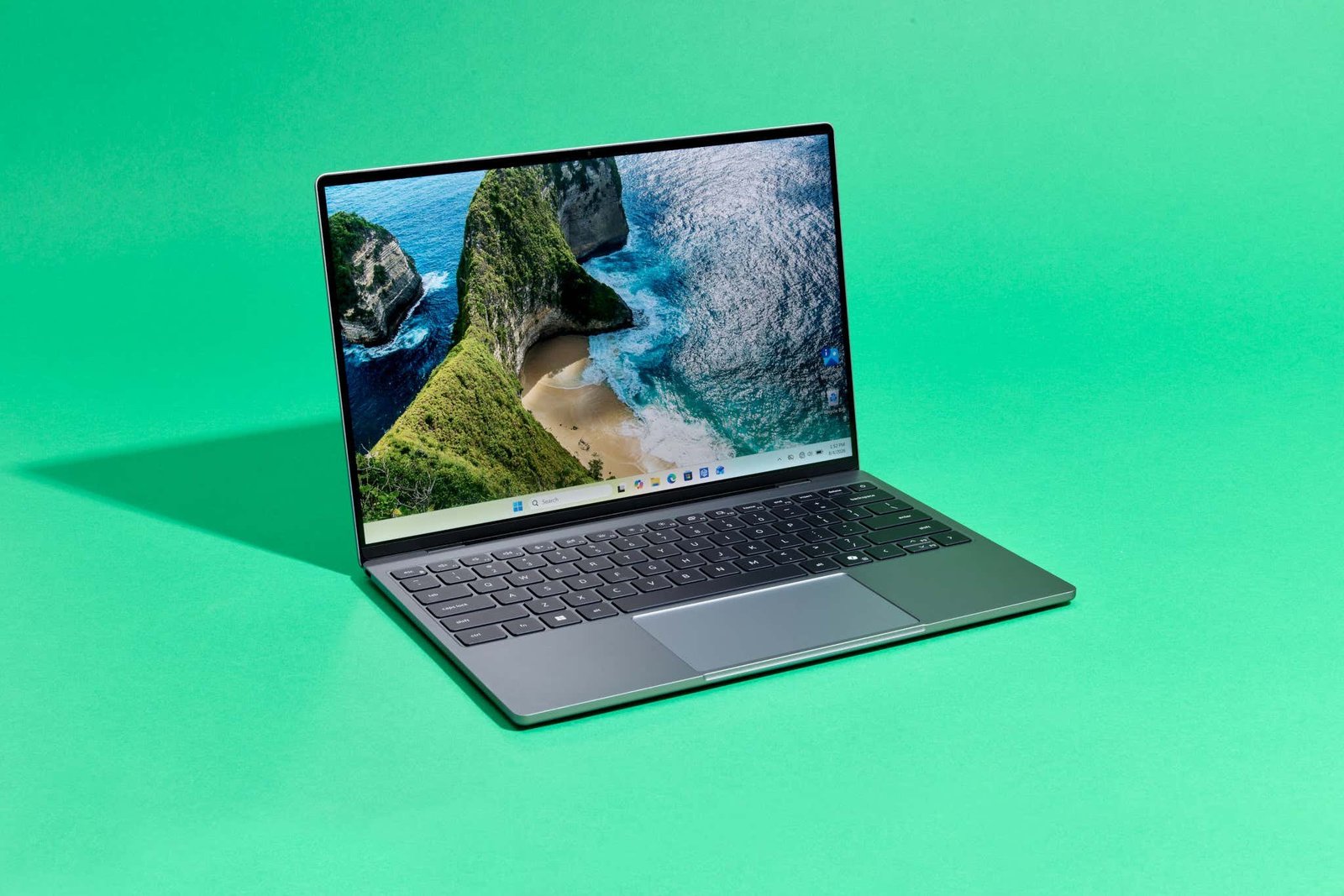
Finding a device that seamlessly transitions from lecture halls to corporate desks can be a challenge. Modern student and office workflows demand more than basic web browsing and word processing; users need machines capable of managing heavy spreadsheets, participating in seamless video calls, running educational tools, and handling presentations without stuttering.
Fortunately, today’s market offers powerful, lightweight laptops that bridge the gap between productivity and portability without requiring you to stay tethered to a wall charger all day.
Key Categories of Student and Office Laptops
When shopping for a dual-purpose device, understanding the core categories can help narrow down your choices:
-
Ultralight 14-Inch Workhorses: Ideal for students and professionals who commute daily. Weighing around 1.2 kg to 1.4 kg, they pack robust processors and ample RAM into highly compact chassis.
-
Large-Screen Productivity Laptops (15.6-Inch): Best for users who spend hours staring at complex data sheets or multitasking across split screens, offering expanded keyboard layouts and generous display estate.
-
Next-Gen Efficiency & OLED Picks: Laptops equipped with advanced neural processing units (NPUs) or vibrant OLED panels that elevate media consumption and handle multi-day or extended battery endurance.
Top Laptop Picks for Work and Study
1. Acer Aspire 5 (Best Overall)
-
Key Specs: Intel Core Ultra 5 125H processor, 16GB RAM, 512GB SSD, 14.0-inch WUXGA IPS display, 1.2 kg.
-
Why Buy: Weighing a mere 1.2 kg, the Aspire 5 is remarkably lightweight for daily commuting. It features a taller 16:10 aspect ratio display workspace and an Intel Core Ultra processor that comfortably powers through intense multitasking, making it a stellar all-rounder.
2. HP OmniBook 5 OLED (Best Display & Battery Endurance)
-
Key Specs: Qualcomm Snapdragon X processor, 16GB LPDDR5x RAM, 1TB SSD, 16-inch 2K OLED touchscreen, 1.59 kg.
-
Why Buy: If you want breathtaking visual clarity paired with phenomenal battery longevity, this Snapdragon-powered machine shines. Its high-efficiency architecture easily delivers multi-day endurance alongside an expansive 2K OLED canvas.
3. Dell 15 (Reliable Everyday Performance)
-
Key Specs: 14th Gen Intel Core 3 100U, 16GB RAM, 512GB SSD, 15.6-inch FHD 120Hz IPS display, 1.63 kg.
-
Why Buy: A classic choice for conventional office work and academic tasks. The inclusion of a smooth 120Hz refresh rate panel elevates everyday scrolling and reduces eye fatigue during long reading sessions.
4. ASUS Vivobook S14 (Long Battery & Premium Build)
-
Key Specs: Intel Core Ultra 5 225H, 16GB DDR5 RAM, 512GB SSD, 14-inch FHD+ display, 70Wh battery, 1.4 kg.
-
Why Buy: Built for demanding power users and coders, this metallic-finish laptop squeezes a high-performance 14-core processor and a robust 70Wh battery into a sleek, portable frame.
5. Lenovo IdeaPad Slim 3 (Budget-Friendly Productivity)
-
Key Specs: AMD Ryzen 5 7520U, 16GB RAM, 512GB SSD, 15.6-inch FHD IPS display, 1.6 kg.
-
Why Buy: Delivering dependable performance coupled with security extras like a fingerprint reader and a backlit keyboard, it offers incredible value for students seeking a large screen without crossing into premium price tiers.
6. HP 15 (Balanced Office Essential)
-
Key Specs: Intel Core 5 120U, 16GB RAM, 512GB SSD, 15.6-inch FHD anti-glare display, 1.59 kg.
-
Why Buy: Outfitted with a privacy shutter on its webcam and a comfortable typing deck, it serves remote workers and virtual learners exceptionally well.
Quick Comparison Table
| Model | Processor | Display | RAM / Storage | Standout Advantage |
| Acer Aspire 5 | Intel Core Ultra 5 125H | 14.0″ WUXGA IPS | 16GB / 512GB | Ultra-portable 1.2 kg build |
| HP OmniBook 5 OLED | Qualcomm Snapdragon X | 16″ 2K OLED Touch | 16GB / 1TB | Exceptional battery & gorgeous screen |
| Dell 15 | Intel Core 3 100U | 15.6″ FHD 120Hz | 16GB / 512GB | Smooth 120Hz visual refresh |
| ASUS Vivobook S14 | Intel Core Ultra 5 225H | 14″ FHD+ (16:10) | 16GB / 512GB | Premium metal chassis & large 70Wh battery |
| Lenovo IdeaPad Slim 3 | AMD Ryzen 5 7520U | 15.6″ FHD IPS | 16GB / 512GB | Budget-friendly large screen layout |
Crucial Factors to Consider Before Buying
-
Processor & RAM Thresholds: Aim for a minimum of 16GB RAM. Modern productivity suites, multi-tab web research, and background application syncing can easily choke an 8GB system over time.
-
Portability vs. Screen Real Estate: If you travel frequently between classes or meetings, a 14-inch form factor under 1.4 kg will save your shoulders. If your work revolves strictly around spreadsheets and split-screen writing, a 15.6-inch display provides welcome breathing room.
-
Keyboard Ergonomics: Since drafting reports and typing assignments make up a massive chunk of student and office life, look for deep key travel, crisp tactile feedback, and a reliable backlight for late-night workflows.
