

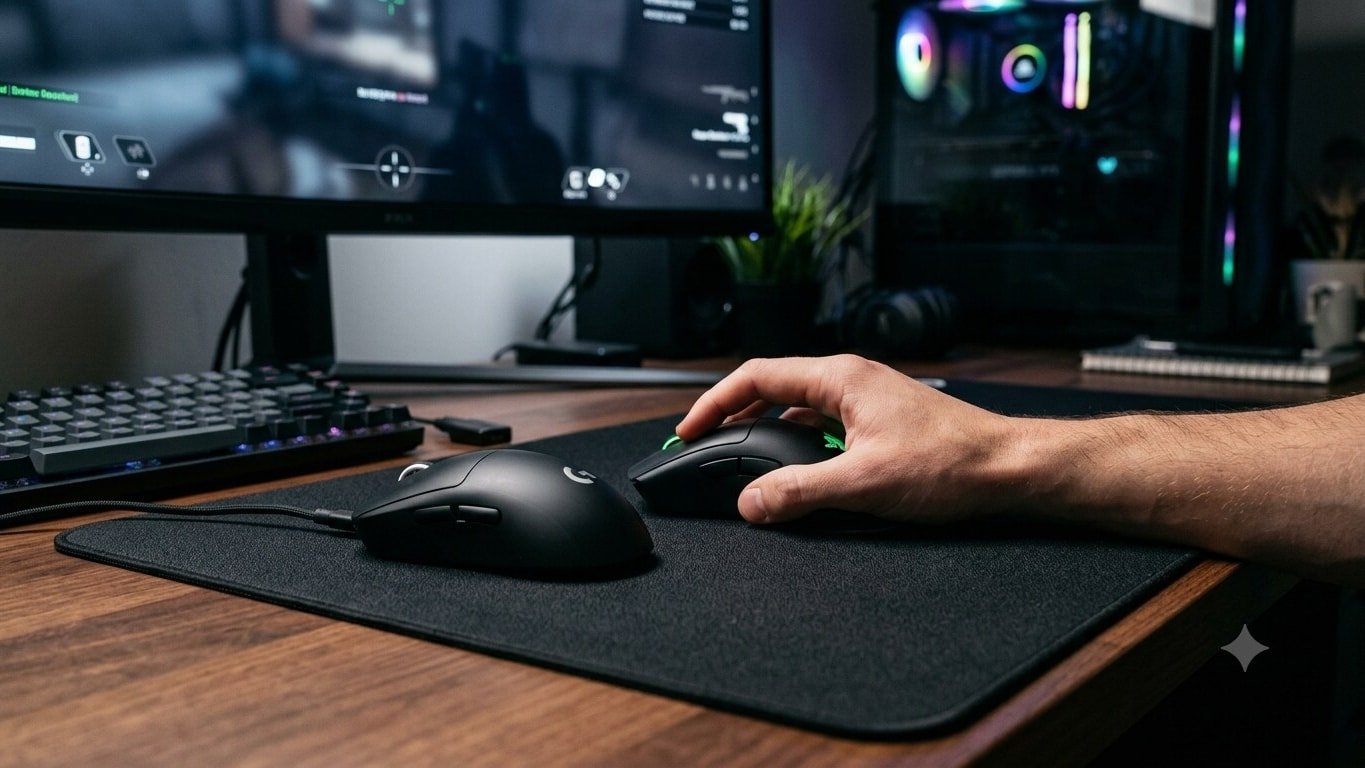
As remote and hybrid work models continue to define modern professional life, spending hours navigating spreadsheets, drafting documents, and managing multiple browser tabs has become standard routine. While laptops come with built-in touchpads, they often fall short when it comes to long-term ergonomic comfort and efficiency. Upgrading to a dedicated, high-precision mouse can dramatically improve workflow, reduce hand strain, and boost everyday productivity.
Finding the right model, however, involves balancing several key factors:
-
Ergonomics & Design: Extended working sessions demand a shape that naturally supports your palm and grip style to prevent fatigue. Ambidextrous models suit multiple users, while contoured ergonomic builds focus squarely on comfort.
-
Tracking & Precision: Look for reliable optical sensors with practical DPI (Dots Per Inch) options. While 1600 DPI offers granular control for detailed tasks, higher settings allow faster cursor sweeps across larger desktop displays.
-
Connectivity Preferences: Corded options (like the Portronics Toad 101 or Dell MS116) offer zero-lag, plug-and-play reliability without battery maintenance. Conversely, 2.4GHz wireless and Bluetooth models keep workspaces clean and cable-free.
Top Budget-Friendly Contenders for Remote Work
The Indian market features a wide range of affordable choices tailored for efficient remote working without breaking the bank:
| Model | Connectivity | Type | Approximate Price (INR) | Key Highlight |
| Portronics Toad 101 | Wired (USB 2.0) | Ambidextrous | ₹149 | Ultra-budget plug-and-play option |
| Dell MS116 | Wired (USB 2.0) | Ambidextrous | ₹299 | Dependable everyday wired tracking |
| Zebronics Jaguar | 2.4GHz Wireless | Ambidextrous | ₹329 | High-precision tracking with multi-button layout |
| Flipkart SmartBuy TC-M500 | 2.4GHz + Bluetooth | Ergonomic | ₹338 | Dual connectivity for flexible device pairing |
| Acer Flow | 2.4GHz Wireless | Lightweight | ₹355 | Lightweight design for clutter-free desks |
| Frontech MS-0057B | 2.4GHz + Bluetooth | Ambidextrous | ₹361 | Versatile dual wireless modes |
| ASUS WT200 | 2.4GHz Wireless | Ambidextrous | ₹399 | Extended battery life lasting up to 15 months |
| Logitech B175 | 2.4GHz Wireless | Ambidextrous | ₹495 | Trusted brand reliability with 12-month battery |
| HP S1000 | 2.4GHz Wireless | Lightweight | ₹500 | Silent clicking mechanism for quiet offices |
| Dell WM118 | 2.4GHz Wireless | Ambidextrous | ₹674 | Smooth optical tracking with nano receiver |
Making the Final Choice
Choosing the right mouse ultimately depends on your work environment. If you work in a shared space or handle late-night shifts, a silent-click model like the HP S1000 prevents disruptive noises. If you frequently toggle between a work laptop and a personal tablet, a dual-connectivity mouse with Bluetooth support—such as the Flipkart SmartBuy TC-M500—offers seamless transitions. Evaluating your specific desk layout and daily usage patterns will ensure you select a tool that keeps you comfortable and productive all day long.
