

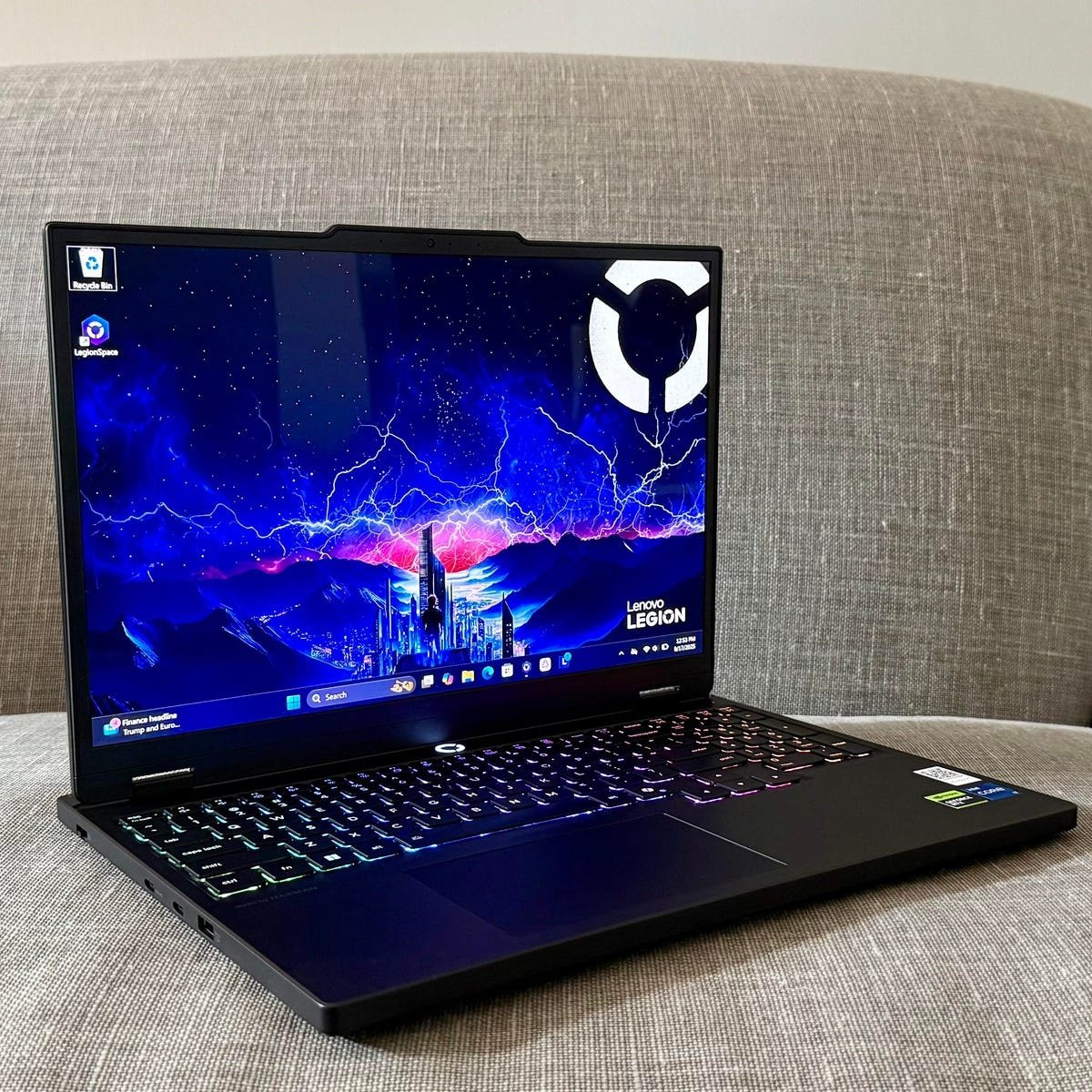
The gaming laptop landscape has shifted dramatically over the last few years. Features that were once restricted to premium, enthusiast-grade rigs—such as hardware-accelerated ray tracing, AI-driven DLSS 3 frame generation, high-bandwidth DDR5 memory, and ultra-smooth refresh rates—have successfully trickled down to accessible price points.
At the absolute center of this mainstream revolution is the NVIDIA GeForce RTX 4050. It represents the sweet spot for smooth 1080p esports gaming and stable frame rates in modern AAA titles.
However, when shopping for an RTX 4050 laptop, looking at the graphics card alone isn’t enough. Manufacturers configure this GPU with different Total Graphics Power (TGP) ratings. A higher TGP laptop draws more juice to deliver maximum frame rates during marathon gaming sessions, while a lower TGP version prioritizes a thinner profile and longer battery life.
Based on hardware synergy, thermal engineering, display accuracy, and pure value, here are the top RTX 4050 gaming laptops to consider in 2026.
1. ASUS TUF Gaming A16
The Maximum TGP Powerhouse
For gamers who want to extract every single frame possible out of the RTX 4050, the ASUS TUF Gaming A16 is the undisputed heavy hitter. ASUS sets the GPU to operate at a massive baseline of 115W, pushing up to 140W via Dynamic Boost when thermal headroom allows.
-
Key Specs: AMD Ryzen 7 7445HS | 16GB DDR5 RAM | 1TB PCIe 4.0 SSD | 16-inch WUXGA (16:10), 144Hz Display
-
Pros: Maximum possible GPU power limit; spacious 16:10 display format perfect for both gaming and productivity; highly upgradeable memory up to 64GB.
-
Cons: Gaming requires being strictly tethered to the wall plug; 56Wh battery drains fast under load.
2. Acer Nitro V 15
The Balanced Everyday Challenger
The Acer Nitro V 15 strikes a highly competitive balance by marrying Intel’s robust Core i7 processing with current-gen gaming performance. It also sneaks in premium connectivity choices usually left out of budget machines.
-
Key Specs: Intel Core i7-13620H | RTX 4050 | 15.6-inch FHD IPS, 144Hz Display | Thunderbolt 4 Support
-
Pros: Thunderbolt 4 port enables ultra-fast external drives and multi-monitor setups; reliable cooling array; great baseline CPU performance for streaming.
-
Cons: Aggressive “gaming laptop” styling might not suit professional workspaces.
3. HP Victus 15
The Stealth Office & Gaming Hybrid
If you need a machine that can handle intense late-night gaming sessions but won’t draw awkward stares during an office meeting or college lecture, the HP Victus 15 is your best bet. It features a clean, understated aesthetic coupled with excellent everyday usability.
-
Key Specs: AMD Ryzen 7 7445HS | 16GB DDR5 RAM | 512GB NVMe SSD | 15.6-inch FHD, 144Hz Display
-
Pros: Minimalist, sleek design; crisp full-sized backlit keyboard; built-in webcam noise-reduction features ideal for calls.
-
Cons: Baseline 512GB storage can fill up rapidly with modern game sizes.
4. Lenovo LOQ 15 (Intel Edition)
The Thermal Performance Champion
Lenovo’s LOQ line has earned a sterling reputation for borrowing elite cooling tech from the premium Legion series and offering it at mainstream prices. The Intel-powered LOQ 15 is engineered to stay frosty even during demanding summer gaming sessions.
-
Key Specs: Intel Core i5-13450HX | RTX 4050 | 15.6-inch FHD, 144Hz Display | 100% sRGB Color Gamut
-
Pros: Advanced hyper-chamber cooling system prevents thermal throttling; highly color-accurate screen suitable for video editing and content creation.
-
Cons: HX-series Intel processor eats into battery longevity when unplugged.
5. MSI Katana A15 AI
The Smart AI-Optimized Rig
MSI updates the mainstream tier with cutting-edge AMD silicon featuring integrated AI architecture. The Katana A15 AI actively optimizes system resources in real-time depending on whether you are rendering a video, playing an esports title, or simply browsing.
-
Key Specs: AMD Ryzen 7 8845HS (AI-enabled) | 16GB DDR5 RAM | 512GB PCIe Gen4 SSD | 15.6-inch, 144Hz Display
-
Pros: Intelligent AI resource management improves efficiency; Cooler Boost thermal design ensures rock-solid frame consistency.
-
Cons: The internal chassis uses a higher ratio of plastics compared to premium metal competitors.
6. HP Omen 16
The Big-Screen Immersion Pick
For players who prefer a grander visual canvas, the HP Omen 16 steps up the immersion factor. It boasts a larger display, an upgraded refresh rate, and a massive battery that sets a high bar for standard gaming laptops.
-
Key Specs: AMD Ryzen 7 7840HS | High-Power RTX 4050 | 16.1-inch FHD, 165Hz (7ms) Display | 83Wh Battery | Bang & Olufsen Audio
-
Pros: Gorgeous 16.1-inch 165Hz screen with full sRGB coverage; outstanding audio tuning; large 83Wh battery capacity.
-
Cons: Larger footprint makes it heavier to transport daily.
7. Lenovo LOQ 15 AMD Edition (24GB RAM)
The Ultimate Multitasker & Streamer
If you frequently leave dozens of browser tabs open in the background, run Discord, or stream your gameplay to friends while running intensive AAA titles, this specific version of the Lenovo LOQ is a spectacular choice.
-
Key Specs: AMD Ryzen 7 Processor | 24GB DDR5 RAM | 15.6-inch, 144Hz Display | NVIDIA G-SYNC Support
-
Pros: Generous 24GB RAM configuration removes system memory bottlenecks; NVIDIA G-SYNC effectively eliminates screen tearing.
-
Cons: Screen brightness is standard, making it less ideal for outdoor use.
5 Essential Shopping Tips Before You Buy
-
Hunt Down the TGP Rating: An 85W or 115W RTX 4050 will significantly outperform a 45W variant of the exact same graphics card. Always confirm the power wattage configuration before purchasing.
-
Ensure CPU Balance: A great graphics card will stutter if choked by a weak processor. Look for current-gen processors like the Intel Core HX-series or AMD Ryzen 7 families to avoid system bottlenecks.
-
Prioritize Thermal Build: Components that run too hot slow themselves down to prevent damage (thermal throttling). Look for dual-fan setups with advanced heat-pipe mapping or vapor chambers.
-
Check Color Accuracy: If you plan on utilizing your gaming machine for photo editing, digital art, or color-grading video, make sure to seek out a display that lists 100% sRGB coverage.
-
Look into Expansion Capabilities: Modern games can easily exceed 100GB to 150GB in size. Verify that the laptop features an empty secondary M.2 SSD slot so you can expand your storage library down the road without replacing your main drive.
