

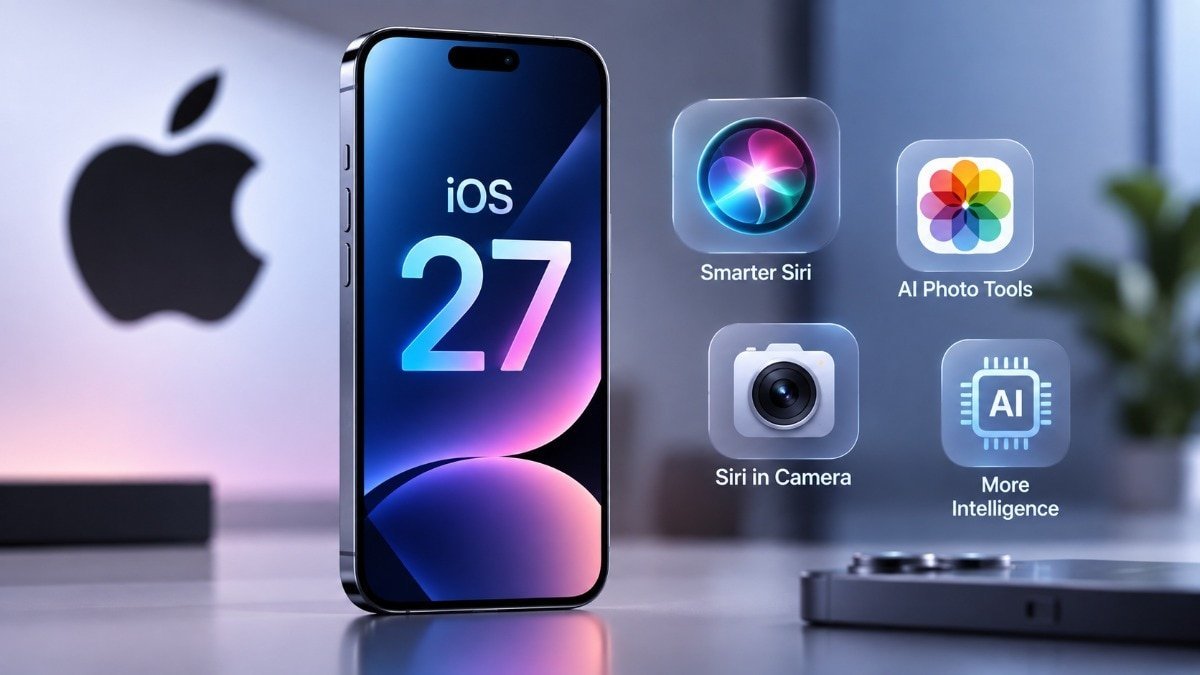
Apple’s rollout of iOS 27 brings advanced AI capabilities and deeply integrated software enhancements to eligible devices. Following its announcement at WWDC under former CEO Tim Cook and subsequent presentation at Apple Park led by CEO John Ternus alongside hardware launches like the iPhone 18 series and the foldable iPhone Duo, the public software release is scheduled to arrive on older, supported iPhone models starting September 14, 2026.
Along with the core update, Apple Intelligence language support expands globally to 16 languages, including English, Simplified and Traditional Chinese, Danish, Dutch, French, German, Italian, Japanese, Korean, Norwegian, Portuguese, Spanish, Swedish, Turkish, and Vietnamese. Furthermore, the upgraded Siri AI experience will roll out language extensions for French, Japanese, Korean, Portuguese, and Spanish in October 2026.
Top Features of iOS 27
-
Siri AI Integration: Powered by Apple Intelligence, Siri transitions into a conversational, context-aware assistant capable of handling multi-turn dialogues, open-ended inquiries, and complex cross-app commands across more than 300 native and third-party applications.
-
Personal Context Retrieval: Siri securely scans data across a user’s photos, emails, messages, and notes to surface relevant details contextually on demand.
-
Dedicated Siri Application: A standalone home screen app tracks conversational history, allows users to pin critical chats, and initiates new sessions.
-
Camera Mode & Visual Intelligence: Users can invoke Siri directly within the Camera app, pointing the lens at real-world objects to trigger visual recognition and context-driven search queries.
-
AI-Powered Photo Editing Suite: Introduces Spatial Reframing, advanced image extension tools, and a more robust Clean Up utility for object removal.
-
Enhanced Safari Functionality: Features automated tab organization that groups related web pages by topic, alongside a “Notify Me” tracker monitoring sites for real-time price drops or product restocks.
-
Write with Siri: Generates contextual drafts, analyzes tone, and adapts writing styles to match user preferences within Mail and Messages.
-
Advanced Parental & Screen Time Controls: Empowers guardians to set rigid app access rules during device setup, restrict specific web domains, configure strict Communication Safety barriers, and enforce daily time allowances across categories like Games, Entertainment, and Social Media.
-
Liquid Glass UI Customization: Includes a dedicated personalization slider within Settings to modify interface clarity, alongside refined, sharper app icon geometries.
-
Automated Password Management: The Passwords app autonomously identifies compromised or weak credentials and updates them safely on behalf of the user.
Supported iPhone Models
