

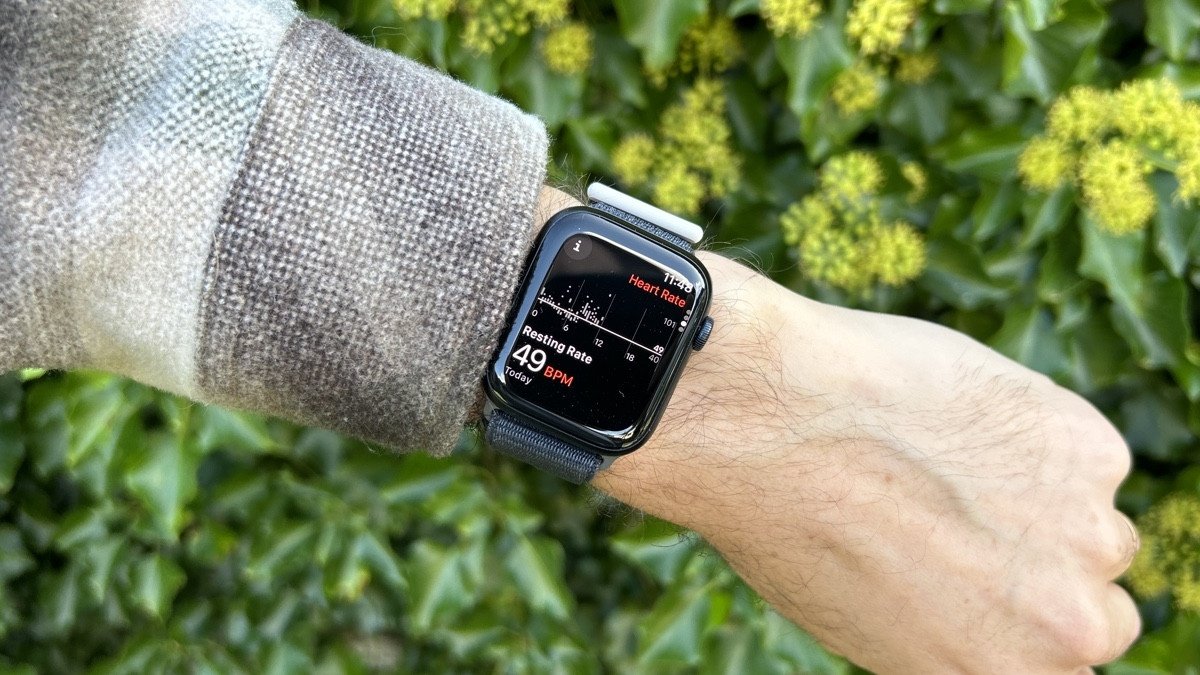
Beyond basic fitness tracking and step counting, your Apple Watch packs several hidden shortcuts and accessibility tools that save valuable time throughout the day.
Here is a breakdown of 7 lesser-known features worth enabling right away.
1. Walkie-Talkie Mode
Skip placing traditional phone calls for quick updates. The built-in Walkie-Talkie app offers instant push-to-talk voice messaging over Wi-Fi or cellular connections. It is ideal for brief check-ins with family or colleagues.
2. Quick Cover-to-Mute & Wrist Gestures
Instead of tapping small screen buttons during meetings, simply place your palm flat over the watch display for a few seconds to instantly silence incoming calls and notifications. Compatible models also let you dismiss alerts with a swift wrist flick.
3. Remote Camera Viewfinder & Shutter
Use the Camera Remote app to preview your iPhone’s camera viewfinder right on your wrist. On supported models, double-tapping your index finger and thumb together triggers the shutter without requiring you to reach for the phone—perfect for tripods and group shots.
4. Control Nearby Apple Devices
Navigate your paired iPhone or iPad straight from your watch. Enabled via Accessibility Shortcuts in settings, a triple-press of the Digital Crown lets you trigger app controls, launch cameras, or modify settings on nearby devices.
5. Ambient Sound Recognition Alerts
Configure your watch to alert you to critical environmental sounds. Set up via Accessibility on your iPhone, your watch will vibrate for registered noises like smoke alarms, running water, crying babies, doorbells, or even when someone speaks your name.
6. Built-In Song Identification (Shazam)
Identify playing tracks without pulling out your phone or installing extra apps. Native Shazam integration lets you identify music with a single tap. You can also pin Music Recognition directly to your Smart Stack for rapid access.
7. Multi-Mode Wrist Flashlight
Swipe up to Control Center and tap the flashlight icon for quick illumination. Beyond a standard bright white screen, it offers a flashing white pulse for outdoor safety and a solid red light mode to navigate dark rooms without disrupting sleep or ruining night vision.
Model Comparison
| Model | Size & Material | Key Strengths | Battery Life |
| Apple Watch Ultra 3 | 49mm Titanium | Extreme durability, dual-frequency GPS, outdoor safety tools | Up to 42 hrs (72 hrs in Low Power) |
| Apple Watch Series 11 | 46mm Aluminium/Titanium | Advanced health tracking, sleep scoring, rapid charging | Up to 24 hrs |
| Apple Watch Series 10 | 42mm / 46mm | Wide-angle OLED display, ECG app, slim profile | All-day (~18 hrs) |
| Apple Watch SE 3 | 40mm / 44mm Aluminium | Essential health metrics, temperature sensing, solid value | Up to 18 hrs |
Frequently Asked Questions
Does the Apple Watch work with Android phones?
No. Apple Watch requires a compatible iPhone running iOS for setup and ongoing synchronization.
How do I enable the Walkie-Talkie app if it isn’t showing?
Ensure FaceTime is set up on your paired iPhone, then check under Settings > Accessibility on your watch if the app icon remains hidden on your home grid.
